VisualGPT AI Object Remover works alongside Image Editor to provide a precise and reliable solution for removing unwanted elements from photos while maintaining realistic textures and lighting. The tool supports both automated detection and guided manual selection, making it suitable for travel photography, product images, portraits, and social media content. With specialized modes for People, Text, Watermark, Wrinkles, and Custom objects, it enables users to refine images efficiently and produce clean, publication-ready results.
(AI Object Remover Featurepage in VisualGPT)
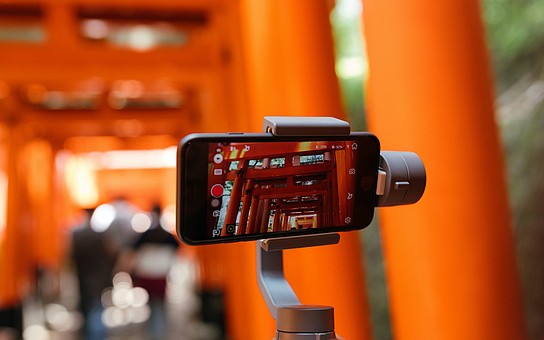
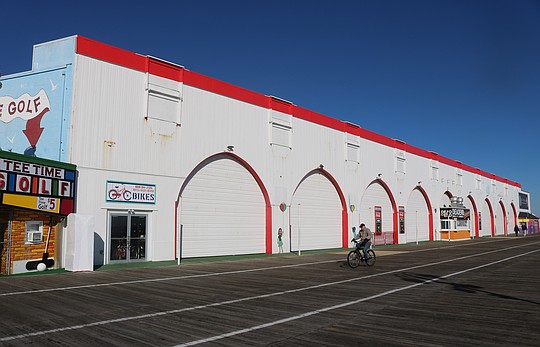
Crowded backgrounds or unexpected passersby often affect image composition in travel or street photography. The People removal mode analyzes spatial layout, depth, and natural patterns to reconstruct the missing area after a subject is removed. This produces balanced, unobstructed scenes ideal for sharing, printing, or commercial use. Whether refining a beach photo, an urban street shot, or an outdoor portrait, the tool maintains visual clarity by replicating shadows, gradients, and structural details.
Images frequently contain embedded text such as timestamps, signage, captions, or graphic overlays. VisualGPT AI Object Remover identifies these typographic elements and restores the underlying environment by matching textures and tones. This allows users to convert previously restricted images into adaptable assets suitable for design, documentation, presentations, or content repurposing.
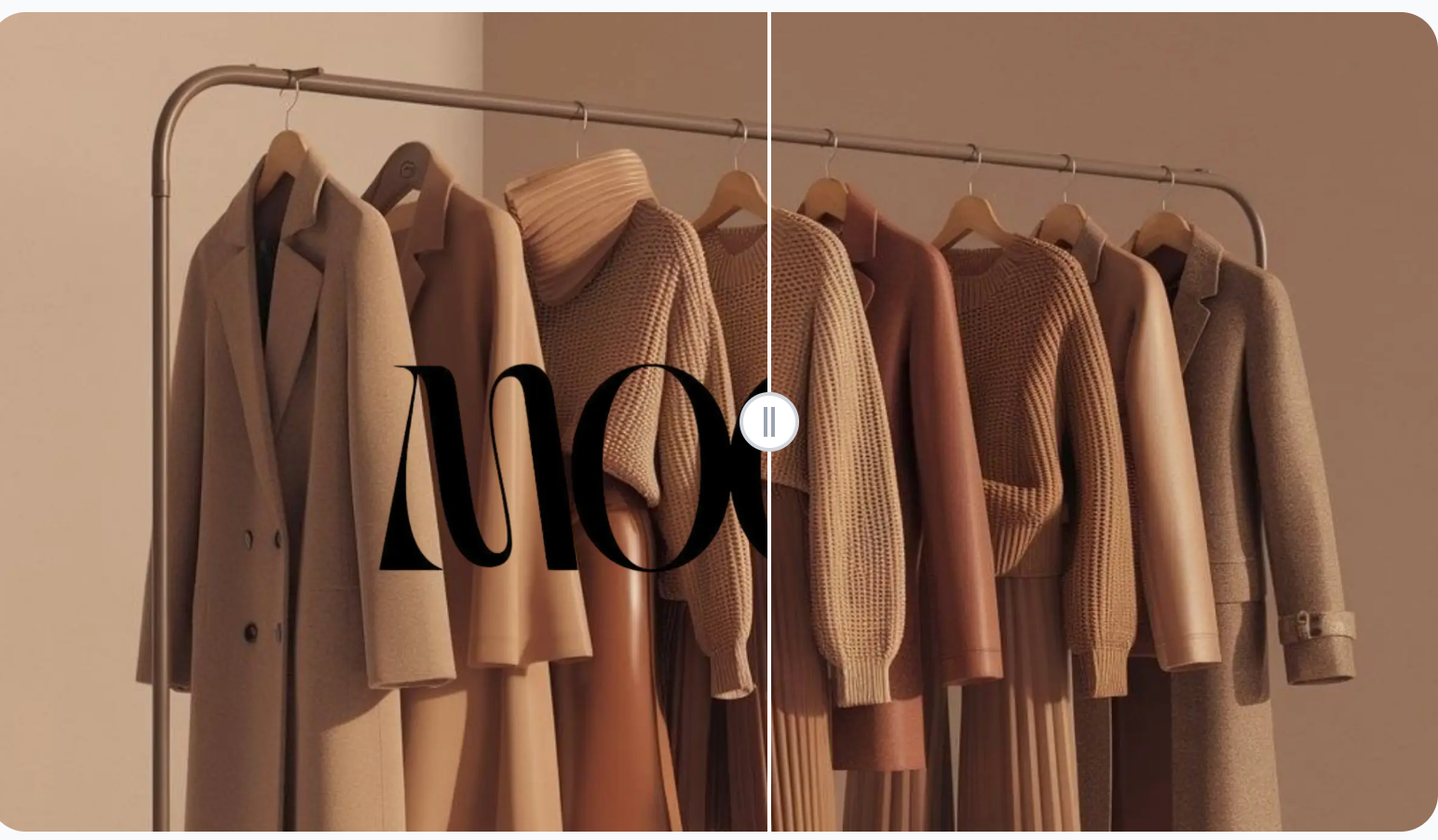
Watermarks can obstruct central visual areas or create imbalance in product and editorial imagery. The Watermark mode isolates both opaque and semi-transparent marks and reconstructs the photo beneath them. By preserving material texture—whether fabric, metal, paint, or natural surfaces—the tool ensures the corrected image remains visually uniform and professionally presentable.
(Watermark removal function in VisualGPT)
In portraiture and fashion imagery, unwanted wrinkles or fabric creases may distract from the subject. The Wrinkles mode performs controlled smoothing that reduces visual noise without introducing artificial softness. This approach helps preserve natural contours, making the feature suitable for weddings, professional portraits, editorial photography, and personal images requiring light refinement.
Some objects fall outside predefined categories and require additional guidance. In Custom mode, users provide short prompts describing the target item, allowing the system to remove specific details such as reflections, utensils, shadows, or background clutter. This mode adapts to complex scenarios where traditional tools may not provide sufficient control.
The Brush tool enables users to mark unwanted areas directly within the image. Variable brush sizes support fine-detailed editing, whether correcting small items or outlining larger objects with irregular shapes. After marking, the AI reconstructs the selected area based on surrounding color, texture, and illumination.
Maintaining natural surface continuity is essential in object removal. VisualGPT AI Object Remover evaluates surface type, material behavior, and pattern direction before generating replacement textures. Its ability to restore sand, fabric, foliage, concrete, or blurred bokeh backgrounds ensures smooth integration with the original scene.
The tool assesses lighting direction, shadow strength, and color temperature before reconstructing removed regions. This prevents abrupt shifts in tone or brightness, especially in portraits, indoor photography, and outdoor scenes with strong natural light. As a result, the final image remains cohesive and visually balanced.
Whether used for e-commerce listings, printed materials, or high-quality digital portfolios, the tool maintains the original resolution and detail sharpness. This level of consistency makes it suitable for professional photographers, designers, marketers, and content creators handling visually demanding projects.
(Remove wrinkles function in VisualGPT)
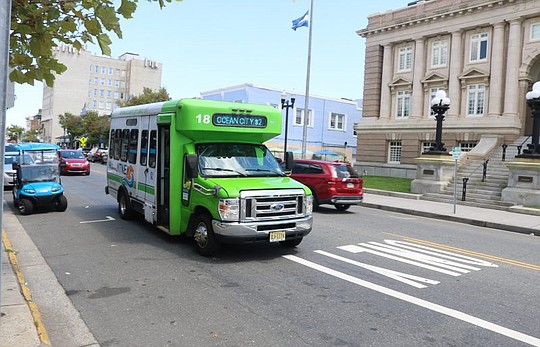
Unwanted objects such as vehicles, pedestrians, or structural obstructions can detract from scenic compositions. Removing these elements creates more refined visuals while preserving the integrity of the environment. The tool is particularly effective in locations where timing or controlled conditions are impossible.
Clear product visuals build trust and support conversions in e-commerce. The tool removes props, reflections, or background noise to produce visually isolating compositions. This ensures consistency across catalog images and promotional assets without requiring advanced photo-editing software.
Creators benefit from quick and reliable refinement tools that improve visual quality without complex workflows. Removing imperfections, background objects, or small distractions helps maintain a polished aesthetic across images used in posts, thumbnails, and advertisements.
Because VisualGPT AI Object Remover operates directly in the browser, users can begin editing instantly across different devices. This supports fast-paced environments where multiple images must be corrected in limited time.
Users can choose between People, Text, Watermark, Wrinkles, or Custom modes depending on the editing objective. The clear interface enables confident decision-making without a steep learning curve.
Rapid computation ensures users can refine multiple photos efficiently, making the tool suitable for businesses, content teams, freelancers, and photographers working with large batches of images.
VisualGPT AI Object Remover (https://visualgpt.io/ai-object-remover) offers a refined, comprehensive approach to improving images by removing unwanted elements, rebuilding backgrounds, and maintaining structural realism. Through its specialized modes, user-guided controls, and high-fidelity reconstruction system, it supports diverse use cases in travel photography, commercial visual production, social media creation, and professional editing. Its consistent output, ease of use, and ability to preserve natural detail make it a dependable tool for anyone seeking to produce polished, distraction-free images suitable for personal, creative, or commercial applications.